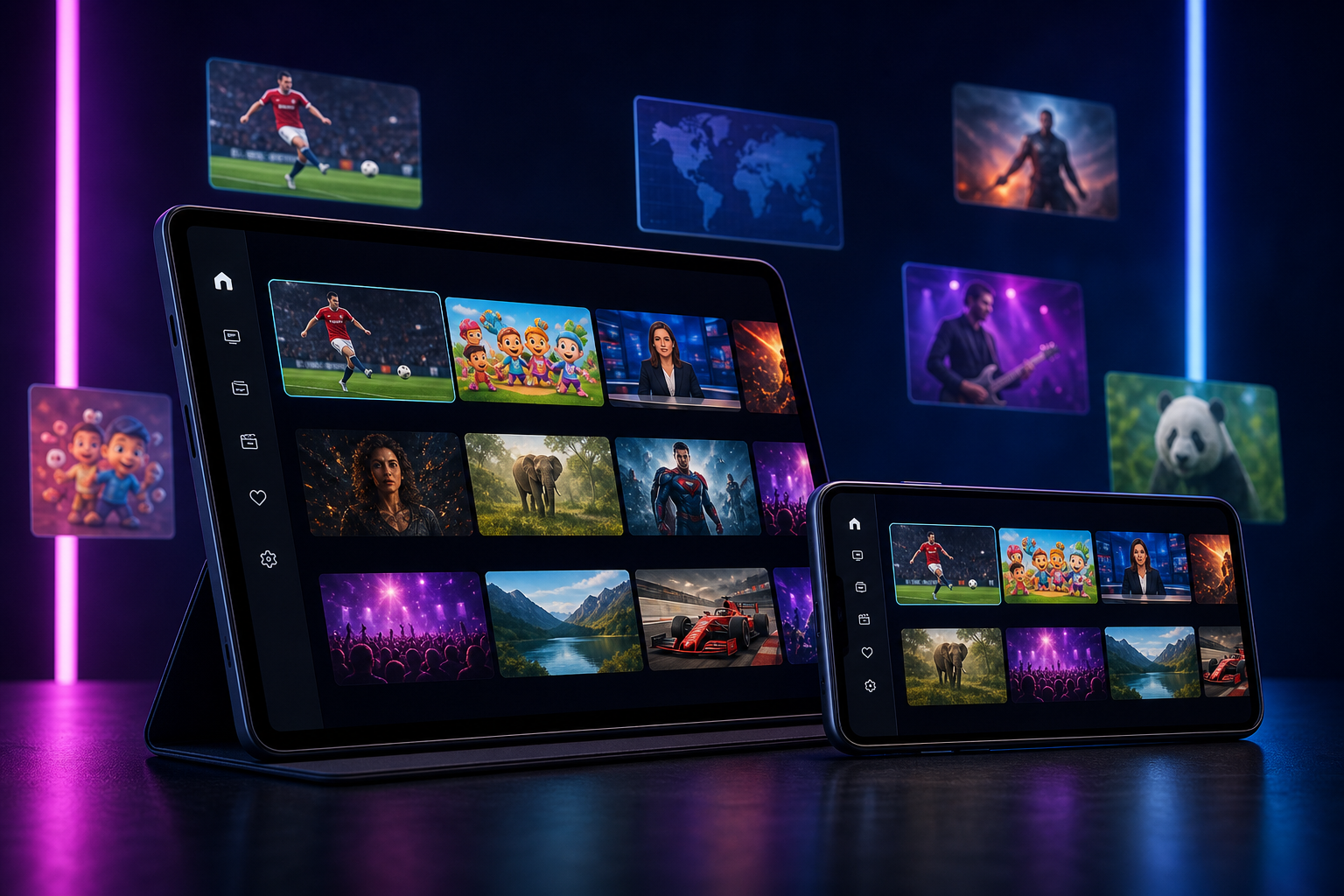
Android is the most popular platform for IPTV streaming worldwide — and for good reason. Android devices support every major IPTV player app, run on everything from smartphones to Android TV boxes and Google TV sticks, and are simple to configure with M3U or Xtream Codes credentials.
New to IPTV? Start with our complete IPTV beginner’s guide. This guide focuses specifically on Android: the best IPTV apps, how to set them up, and what to look for in an IPTV subscription.
Why Android Is the Best Platform for IPTV
- Wide app availability — dozens of dedicated IPTV apps are available on the Play Store or as APKs
- Hardware flexibility — works on smartphones, tablets, Android TV, NVIDIA Shield, Fire TV, and budget streaming boxes
- Xtream Codes & M3U support — both major IPTV formats work natively
- Multi-screen capability — cast to TV via Chromecast, HDMI, or Miracast
Top IPTV Apps for Android (2026)
1. IPTV Smarters Pro
The most widely used IPTV player on Android. Supports Xtream Codes login and M3U import, includes a built-in EPG, catch-up TV, and multi-screen support. Available free on the Google Play Store. Official site: iptvsmarters.com.
Best for: Android smartphones and tablets
2. TiviMate IPTV Player
Considered the best IPTV player for Android TV boxes. Clean, TV-friendly interface with a real channel guide layout, PiP support, favourites, and smooth channel switching. Free version available; premium unlocks recording and multi-panel. Official site: tivimate.com.
Best for: Android TV boxes, NVIDIA Shield, Mi Box
3. GSE Smart IPTV
A long-standing favourite with advanced M3U management, remote access, and support for multiple playlists. Available for both Android and iOS.
Best for: Users managing multiple IPTV subscriptions
4. OTT Navigator
Feature-rich with an elegant EPG, catch-up, multi-panel view, and parental controls. Increasingly popular as a TiviMate alternative.
Best for: Android TV, Xiaomi Mi Box
5. Perfect Player
Lightweight and fast. Recommended for older or lower-spec Android devices where heavier apps may stutter.
Best for: Budget Android boxes and older hardware
How to Set Up IPTV on Android (Step-by-Step)
Method 1: Using IPTV Smarters Pro (M3U or Xtream Codes)
- Download IPTV Smarters Pro from the Google Play Store
- Open the app and tap “Add New User”
- Choose your login method:
- Xtream Codes API — enter your server URL, username, and password
- M3U URL — paste your M3U playlist link
- Tap “Add User” and wait for channels to load
- Browse channels by group, use the EPG for programme guides, or search by name
Your Xstreamity credentials support both Xtream Codes and M3U. These are sent to your WhatsApp immediately after subscription.
Method 2: Using TiviMate on Android TV
- Open the Google Play Store on your Android TV box
- Search for and install TiviMate
- Launch TiviMate → tap “Add Playlist”
- Enter your Xtream Codes URL, username, and password
- The app will load your channels and EPG automatically
What to Look for in an IPTV Provider for Android
| Feature | Why It Matters |
|---|---|
| Xtream Codes support | Works with every Android IPTV app natively |
| EPG data | Required for the on-screen channel guide |
| Catch-up TV | Watch missed programmes on demand |
| Fast zapping | Channels should switch in under 1–2 seconds |
| Trial available | Always test before committing |
| 24/7 support | Issues happen; you need rapid help |
IPTV on Android TV vs Smartphone: Key Differences
Android TV / TV Box:
- Use TiviMate or OTT Navigator for a proper TV guide experience
- HDMI output gives you a big-screen, native feel
- Remote control navigation works best with TiviMate’s TV layout
Android Smartphone / Tablet:
- IPTV Smarters Pro or GSE IPTV work best
- Cast to TV via Chromecast for the big screen
- Perfect for mobile viewing or travelling
Why Xstreamity Works Perfectly on Android
Xstreamity streams are delivered via both M3U playlists and Xtream Codes API — the two formats every Android IPTV app supports. This means you’re not locked into a single app; you can switch between TiviMate, Smarters, GSE, or OTT Navigator without changing your subscription.
Every Xstreamity plan includes:
- 50,000+ live channels — US, UK, Arabic, Sports, French, German, and 150+ more countries
- Full EPG compatible with all major Android players
- Catch-up TV for 60 days
- 200,000+ VOD titles — movies and series on demand
- 4K/8K stream quality where supported by the channel
Also streaming on a TV? See our guides for IPTV on Firestick and IPTV on smart TV.
Frequently Asked Questions
Can I use IPTV on an Android phone? Yes. IPTV Smarters Pro, GSE Smart IPTV, and similar apps run on any Android phone running Android 6.0 or later.
Do I need to sideload apps for IPTV on Android TV? Not necessarily. TiviMate and IPTV Smarters Pro are both on the Google Play Store and install directly.
Is IPTV legal on Android? Using an IPTV subscription to watch legitimately licensed channels is legal. Xstreamity only provides access to channels that are legally distributed.
How much data does IPTV use on Android? Roughly 2–4 GB per hour for HD, 7–15 GB per hour for 4K. Use Wi-Fi for 4K streaming. Test your connection speed at Speedtest.net to confirm you have enough bandwidth.
Can I watch IPTV on multiple Android devices at once? With a 2-connection or 3-connection bundle from Xstreamity, yes. Each connection can stream independently on different devices.
Start Your Free IPTV Trial on Android Today
Start your 24-hour free trial on WhatsApp →
No credit card required. We’ll send your Xtream Codes credentials immediately so you can test on any Android IPTV app.