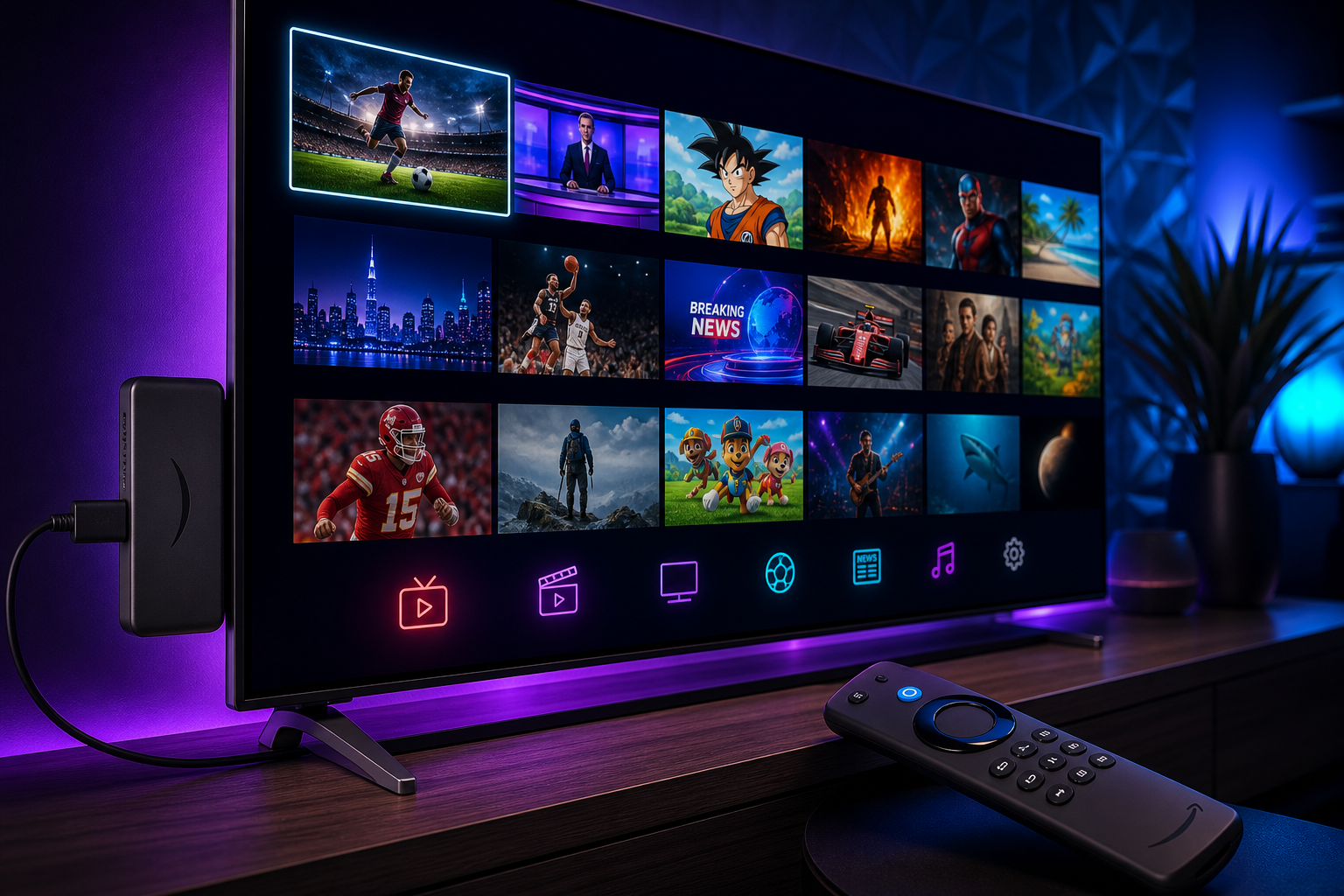
Amazon’s Firestick is one of the most popular IPTV streaming devices in the world — and for good reason. It’s affordable, simple, and transforms any TV with an HDMI port into a smart streaming device. Paired with a quality IPTV subscription, it becomes an extremely powerful replacement for cable or satellite TV.
New to IPTV? Read our complete beginner’s guide to IPTV first. This guide covers everything specific to Firestick: which IPTV apps to use, how to install them, and what makes a great IPTV service for Firestick users.
Why Firestick Is Great for IPTV
The Amazon Fire TV Stick runs Fire OS (a fork of Android), which means it can run most Android IPTV apps. Key advantages:
- Affordable hardware — Firestick 4K Max costs ~$50, while cable boxes cost hundreds.
- App sideloading — You can install IPTV apps that aren’t in the Amazon App Store.
- 4K HDR support — Firestick 4K and 4K Max handle 4K HDR streams with ease.
- Alexa voice search — Find channels and content quickly.
- Portable — Take it to hotel rooms, holiday homes, or a friend’s house.
Best IPTV Apps for Firestick
These are the top IPTV player apps that work on Firestick. Note: these are players (the interface); you still need an IPTV subscription to provide the channels.
1. IPTV Smarters Pro
The most popular IPTV app on Firestick. Supports M3U playlists, Xtream Codes API, and has a clean TV-friendly interface.
- Price: Free (with optional paid version)
- Best for: First-time IPTV users, clean EPG layout
- Download: iptvsmarters.com
2. TiviMate
Widely considered the best IPTV player for Firestick. Premium version adds catch-up TV, recording, and multi-panel layout.
- Price: Free basic / $5/year premium
- Best for: Power users who want full control
- Download: tivimate.com
3. GSE Smart IPTV
Cross-platform — also available on iPhone, iPad, and Apple TV. Good for households using multiple device types.
- Price: Free
- Best for: Multi-platform households
4. OTT Navigator
Feature-rich alternative with advanced EPG, recording, and sports schedule views.
- Price: Free
- Best for: Advanced users wanting customisation
How to Install IPTV on Firestick (Step by Step)
Installing third-party IPTV apps on Firestick requires enabling “Apps from Unknown Sources.” Here’s how:
Step 1: Enable Unknown Sources
- Go to Settings → My Fire TV (or Device) → Developer Options
- Turn on Apps from Unknown Sources
- Confirm the warning prompt
Step 2: Install Downloader
Downloader is a free app in the Amazon App Store that lets you sideload APKs.
- Open the Amazon App Store on your Firestick
- Search for “Downloader” (orange icon by AFTVnews)
- Install it
Step 3: Download and Install Your IPTV App
For IPTV Smarters Pro:
- Open Downloader
- Enter the URL:
https://www.iptvsmarters.com - Download and install the APK
- Open IPTV Smarters Pro
For TiviMate: visit tivimate.com for the latest Firestick APK download link.
Step 4: Add Your IPTV Subscription
Once your IPTV app is installed:
- Open the app and select “Add Playlist” or “Add Account”
- Enter the M3U URL or Xtream Codes login from your IPTV provider
- Wait for channels to load (usually 30–60 seconds for 50,000+ channels)
- Browse channels organised by country and genre
What to Look for in an IPTV Service for Firestick
Not every IPTV provider delivers a good Firestick experience. Here’s what matters:
Channel count and organisation
More channels aren’t always better if they’re disorganised. Look for a provider with clear country and genre groupings — US channels, sports channels, news, movies — this makes navigation much faster on a TV remote.
Stream stability
Firestick users watch on large screens where buffering is very noticeable. Test the service during peak hours (evenings, live sports) to verify stability.
4K support
If you have a Firestick 4K or 4K Max, confirm the IPTV service carries 4K streams. Not all providers do.
Xtream Codes compatibility
Most IPTV players on Firestick support Xtream Codes login (easier than M3U URLs). Confirm your provider supports it.
Responsive support
When something isn’t working on a Friday night match, you need fast help. Look for IPTV providers offering WhatsApp or Telegram support with same-day response times.
Xstreamity on Firestick
Xstreamity is fully compatible with Firestick via IPTV Smarters Pro and TiviMate. Our IPTV subscription plans include:
- 50,000+ live channels — US, UK, Arabic, Sports, French, German, and 150+ more countries
- 4K/8K quality where available
- Full EPG with 60-day catch-up TV
- Xtream Codes login for easy app setup
- Instant activation — channels load within 2 minutes of subscribing
If you’re also streaming on a phone or tablet, check out our IPTV for Android guide. Prefer a smart TV? See how to set up IPTV on a smart TV.
How to get started
- Message us on WhatsApp — we’ll activate a free 24-hour trial immediately.
- Install IPTV Smarters Pro on your Firestick using the steps above.
- Enter your Xstreamity credentials.
- Watch 50,000+ channels and decide which plan works for you.
Start your free Firestick IPTV trial →
Firestick IPTV: Common Questions
Does IPTV slow down my Firestick?
IPTV apps are lightweight. The demanding part is streaming video — this is handled by your internet connection, not your Firestick. A modern Firestick 4K has more than enough processing power for 4K IPTV streams.
Why does my IPTV buffer on Firestick?
Buffering is almost always caused by one of three things:
- Slow internet speed — test your speed at Speedtest.net
- Wi-Fi signal weakness — move closer to your router or use a wired Ethernet adapter
- Server-side issues — try a different stream quality or contact your provider
Can I use IPTV on multiple Firesticks?
That depends on your IPTV subscription. Xstreamity’s standard plan supports 1 concurrent connection. The Duo bundle (2 connections) and Family bundle (3 connections) are available at a discount — see pricing.
What is the best resolution for Firestick IPTV?
For the Firestick 4K and 4K Max, choose 4K streams when available. For standard Firestick models, 1080p HD delivers excellent picture quality.
Summary: Best IPTV Setup for Firestick
| Component | Recommendation |
|---|---|
| Device | Firestick 4K Max |
| IPTV Player App | TiviMate (best experience) or IPTV Smarters Pro (easiest setup) |
| IPTV Subscription | Xstreamity — 50,000+ channels, free trial, from $10 |
| Internet Speed | 25 Mbps+ for 4K, 10 Mbps+ for HD |
| Connection | Ethernet adapter preferred; strong Wi-Fi acceptable |
A quality IPTV subscription paired with a Firestick is one of the best value TV setups available in 2026 — more channels than cable, better image quality, no contract, and a fraction of the cost. Compare the full value in our IPTV vs cable and satellite guide.
Ready to try? Message us on WhatsApp for a free 24-hour Firestick IPTV trial — or view all subscription plans.